Skip to main content
Medication Allergies
Print Article
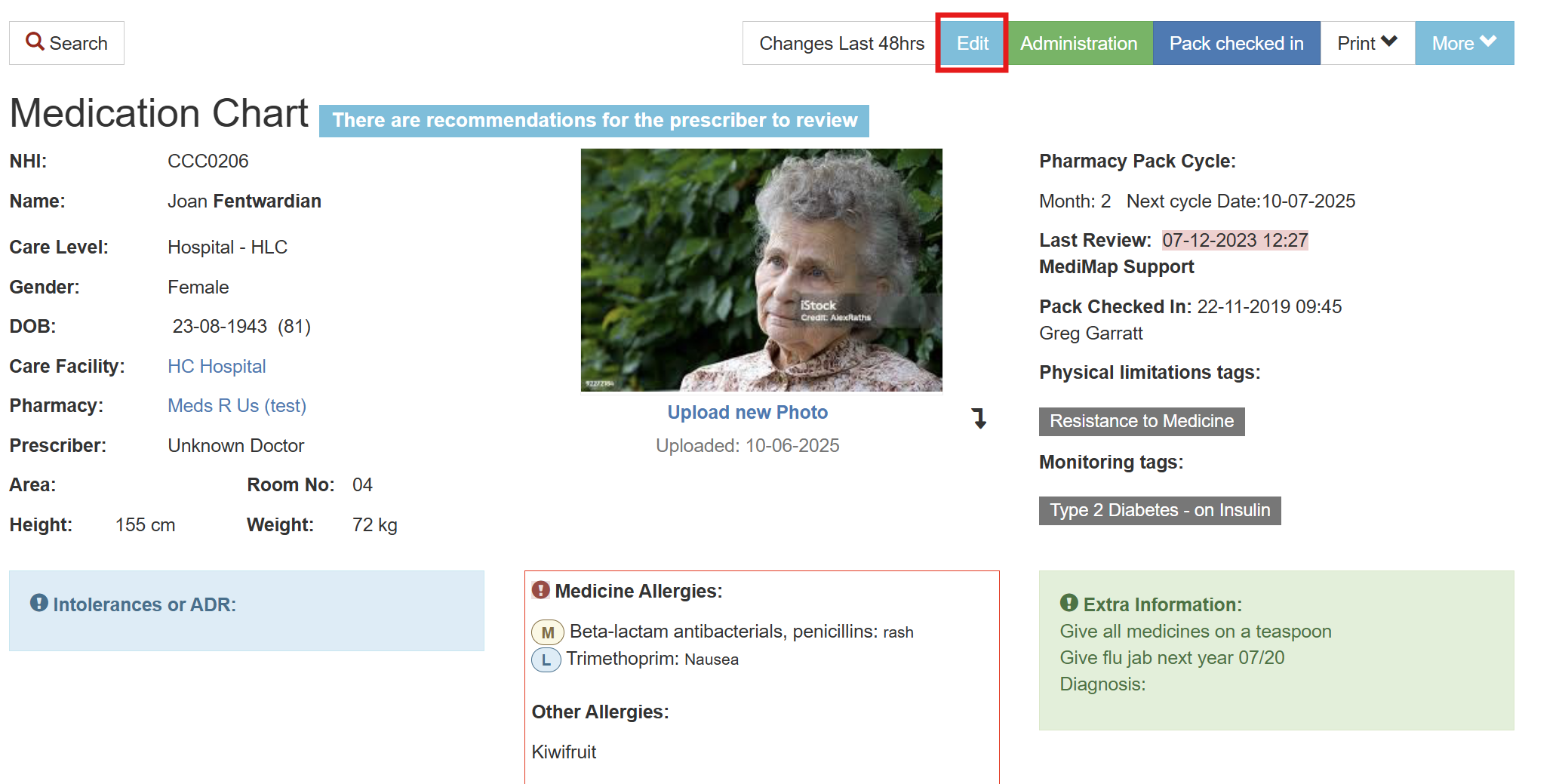
- Open the resident's chart and click on Edit.
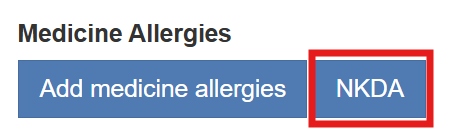
- If the resident has no known allergies then click on NKDA.
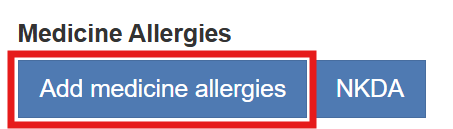
- If the resident has allergies click on Add medicine allergies.
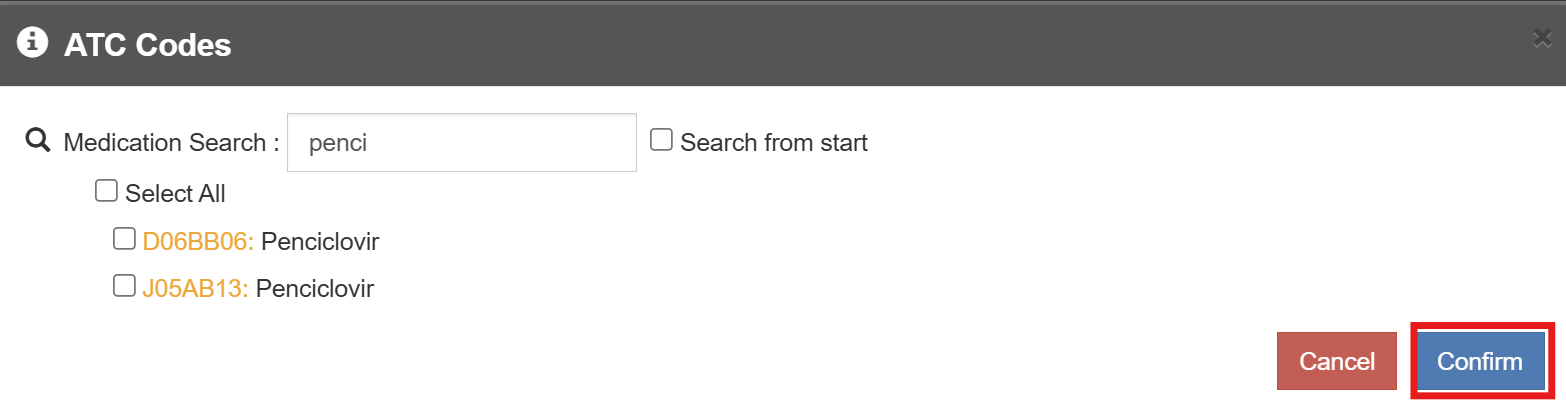
- A medication search box will open, enter the medication in the Medication Search box.

Select the medication and then select Confirm.
If for example the patient is allergic to all penicillin's then click on Select All.
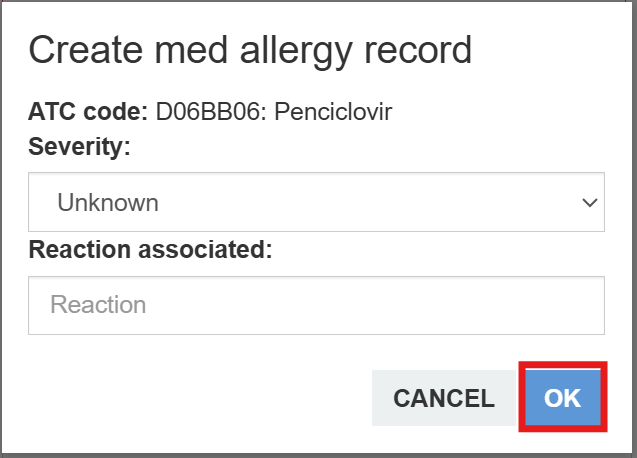
- Add the Severity by selecting the drop-down arrow and enter the reaction into the Reaction associated field and select OK.
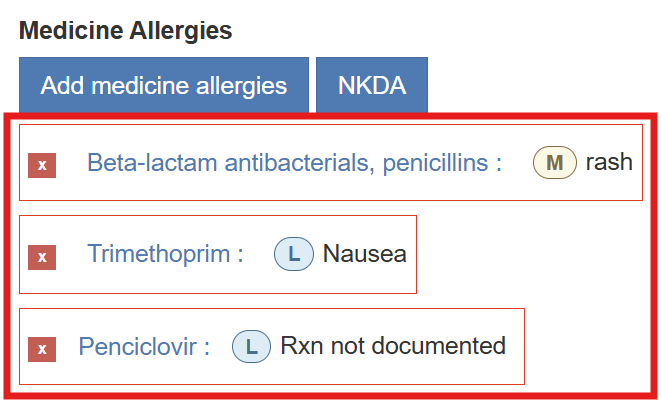
- All allergies will be visible on the resident's chart.