Skip to main content
Free text medications
Print Article
- Click on Add a new regular medication in the resident's medication chart.

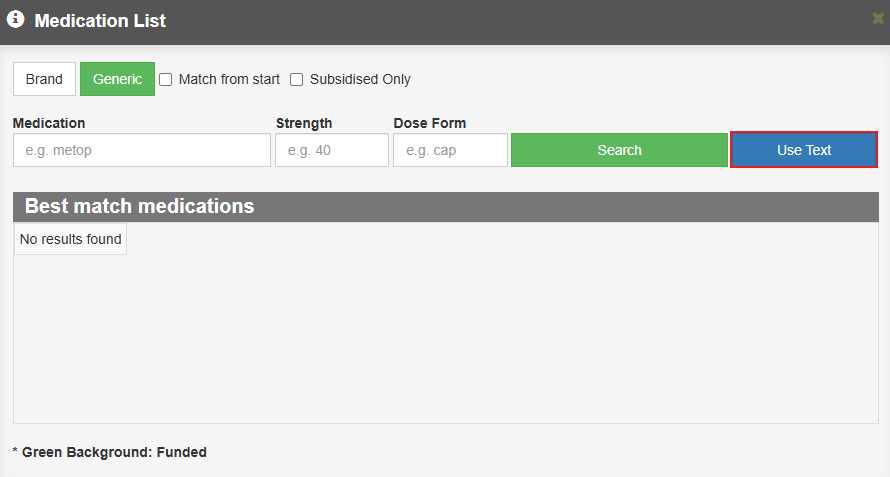
- In the Medication List enter the medication name and click on Use Text.
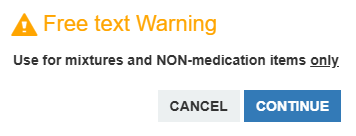
- A warning will appear, click Cancel or Continue.
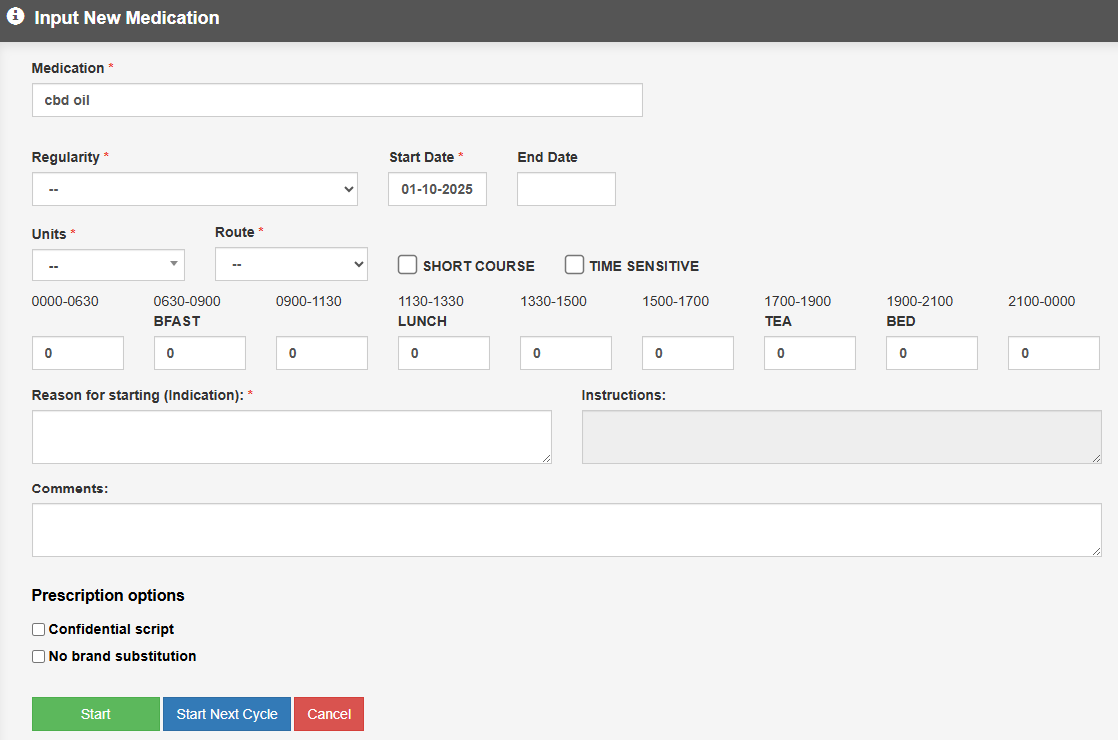
- Enter all the relevant information into the Input New Medication window and click on Start, Start Next Cycle or Cancel.
- The medication will have a Free Text tag added to it.
From the medication line you can Edit, Stop or Reassess.
